

Your plan and billing
What your PayperPlates plan costs, what's included, where your billing card lives, and how to change plans.
You pay PayperPlates in two parts: a monthly plan fee, and one all-in rate on each online order with card processing included. There's no setup fee and no cancellation fee. Prices are in Canadian dollars, before HST.
The plans
| | Basic | Pro | |---|---|---| | Monthly fee | $70 | $120 | | Per online order | 3.9% + 30¢ | 3.5% + 30¢ |
The per-order rate already includes card processing. Stripe keeps its processing fee, 2.9% + 30¢, and the rest is the PayperPlates platform fee: 1.0% on Basic, 0.6% on Pro. The platform fee covers what it costs to run your ordering platform: maps and delivery routing, order texts, the AI assistants, hosting and support. It's never charged on tips.
Both plans include your branded ordering website and its hosting, the Orders board, menu and inventory tools, reports, promotions, the merchant and customer assistants, and pickup or delivery through courier services.
Pro adds the Driver Hub for your own drivers, order updates by text message, and the complaint-resolution tools in Support. If you sell more than $12,500 a month online, Pro's lower rate makes it the cheaper plan even if you never use those extras.
Full details and a cost calculator are at payperplates.ca/pricing.
Where to see your plan
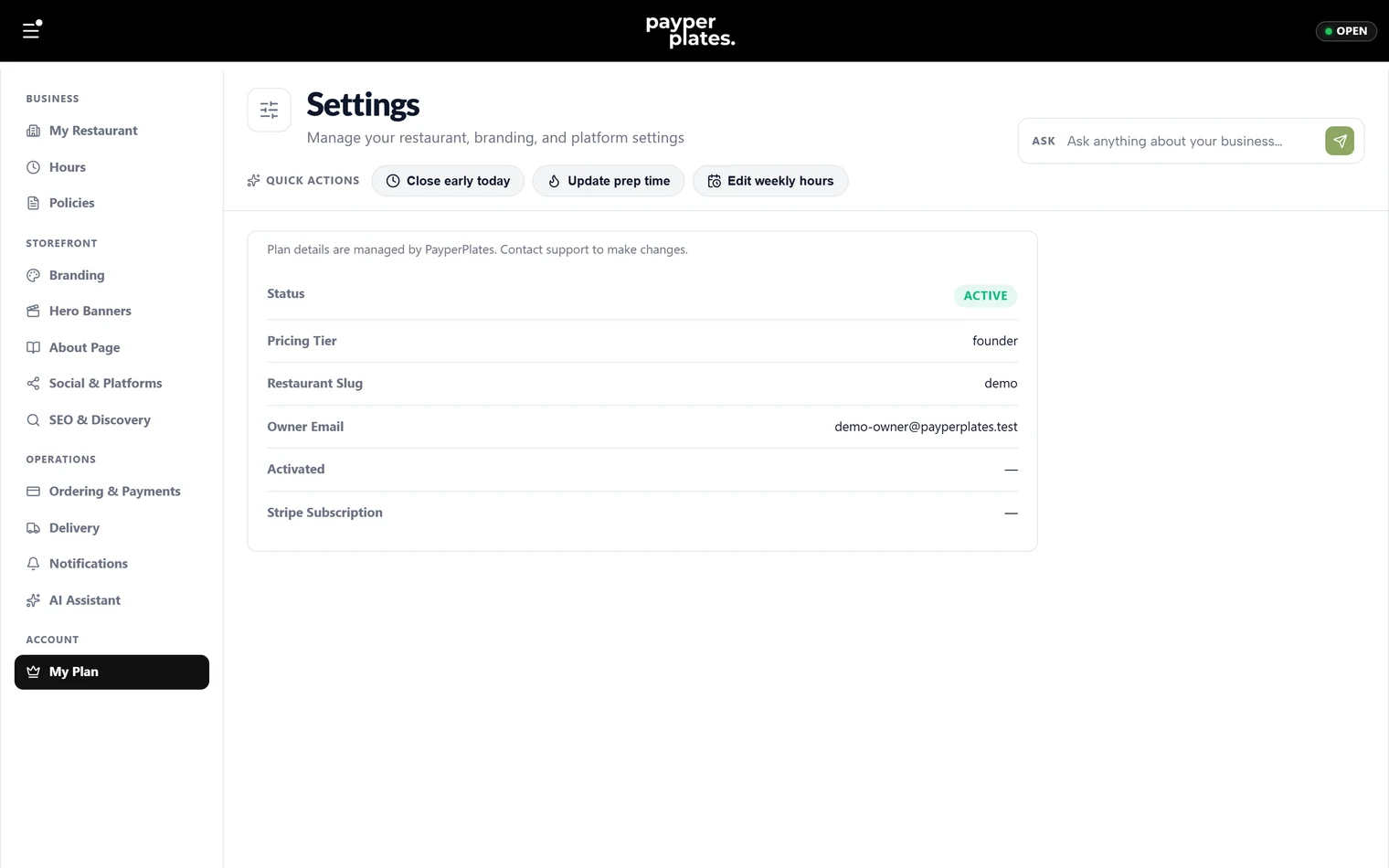
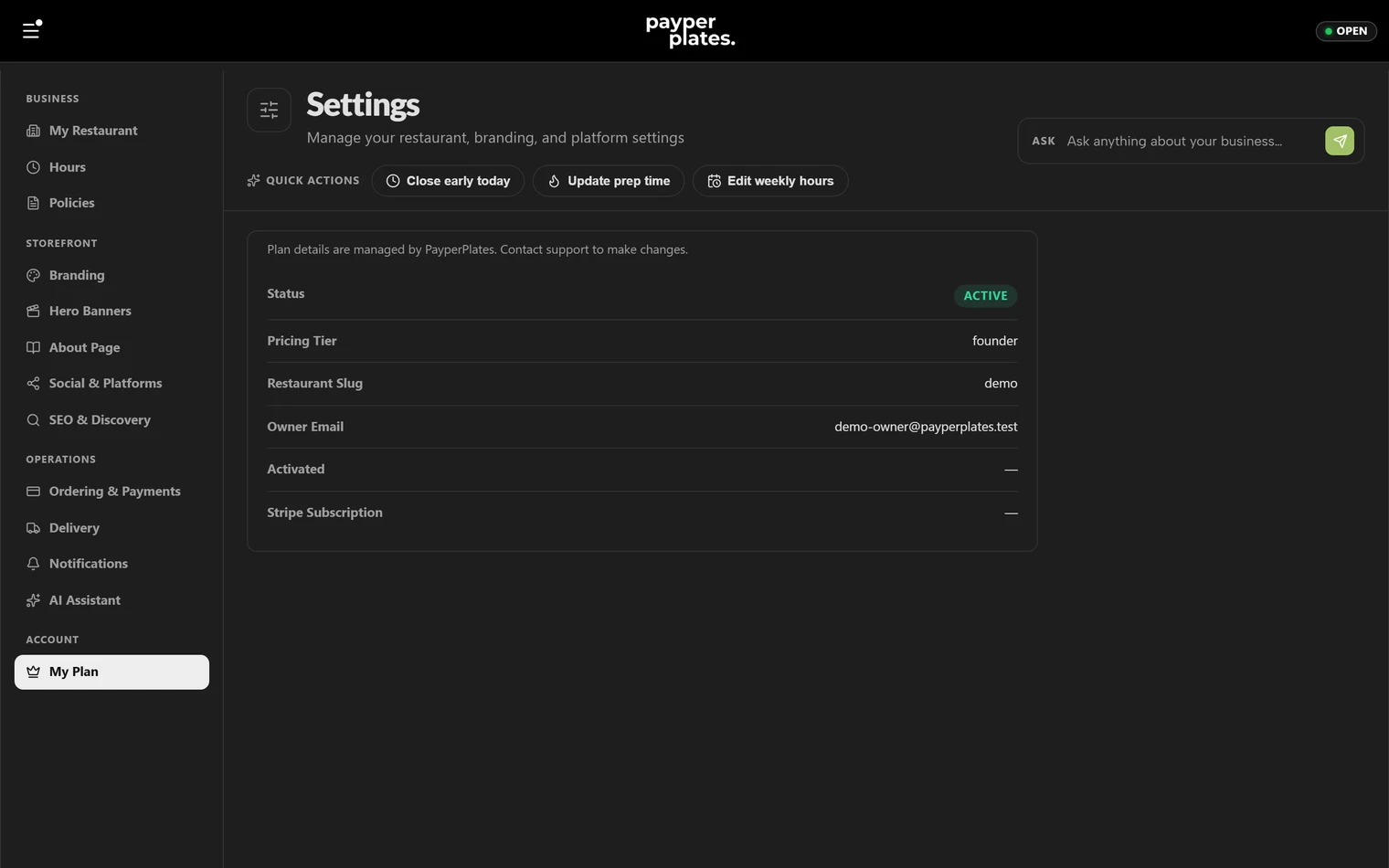
Settings → My Plan shows your status, your plan (Pricing Tier), your restaurant's short name, the owner email, when you went live, and your Stripe subscription.
Your billing card
Your monthly plan fee is charged to the billing card on My Plan. Add or replace it there. Card details are stored by Stripe; PayperPlates only keeps the last four digits. A billing card is required before your restaurant can go live.
The per-order rate isn't charged to this card. It comes out of each card payment as the order is paid, and you can see it in Reports → Fees & payouts.
Changing your plan
Plan changes are made by PayperPlates. Contact support to move between Basic and Pro, and the new rate applies from then on.
If you cancel
There's no cancellation fee. If PayperPlates hosts your website or domain, we keep hosting it for 30 days after you cancel, with online ordering switched off, while you move it somewhere else.
Questions about a charge
Contact support with your restaurant name and the charge you're asking about.