
Modifiers and option groups
Let customers customize items with toppings, sides, and choices — and charge for extras.
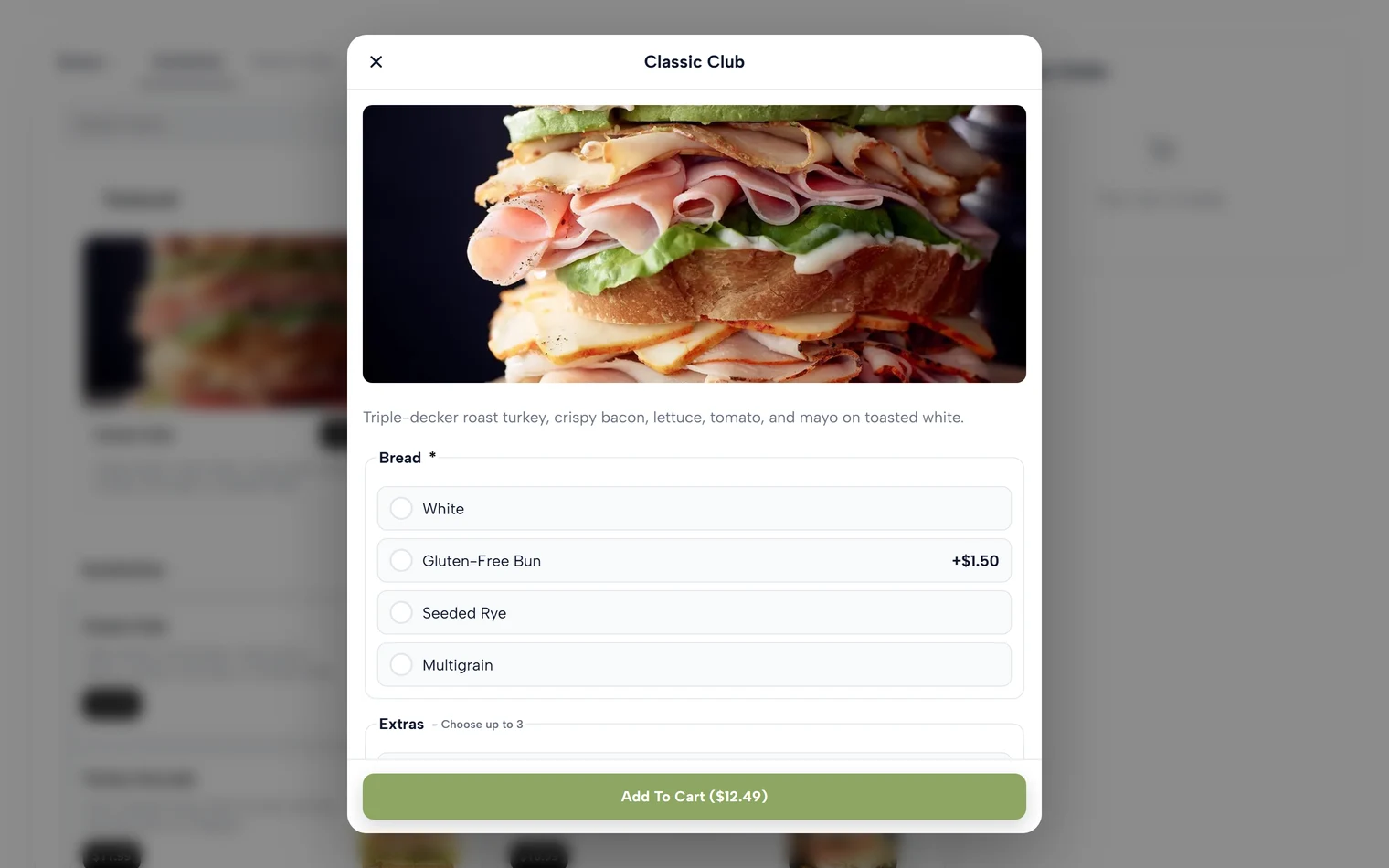
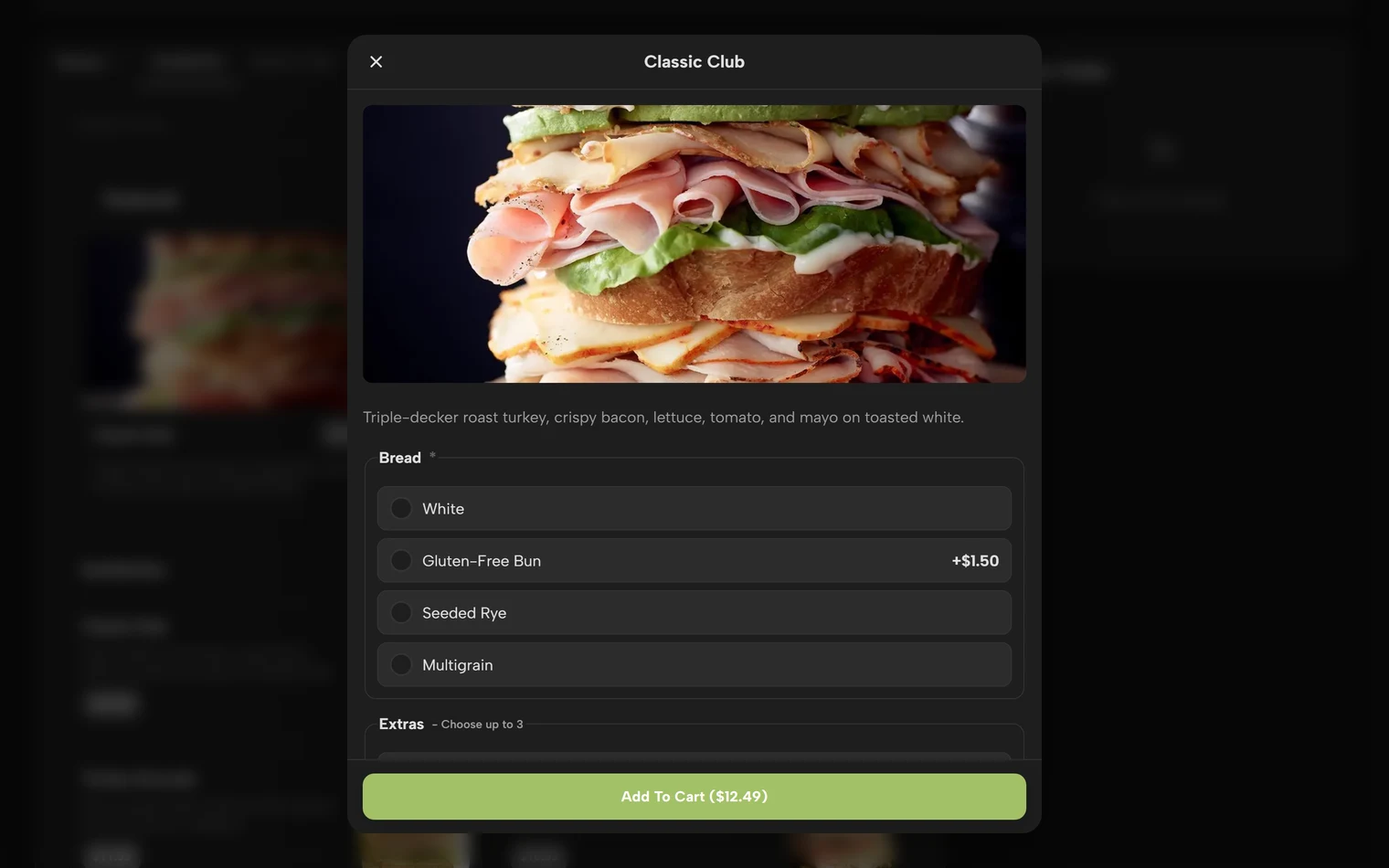
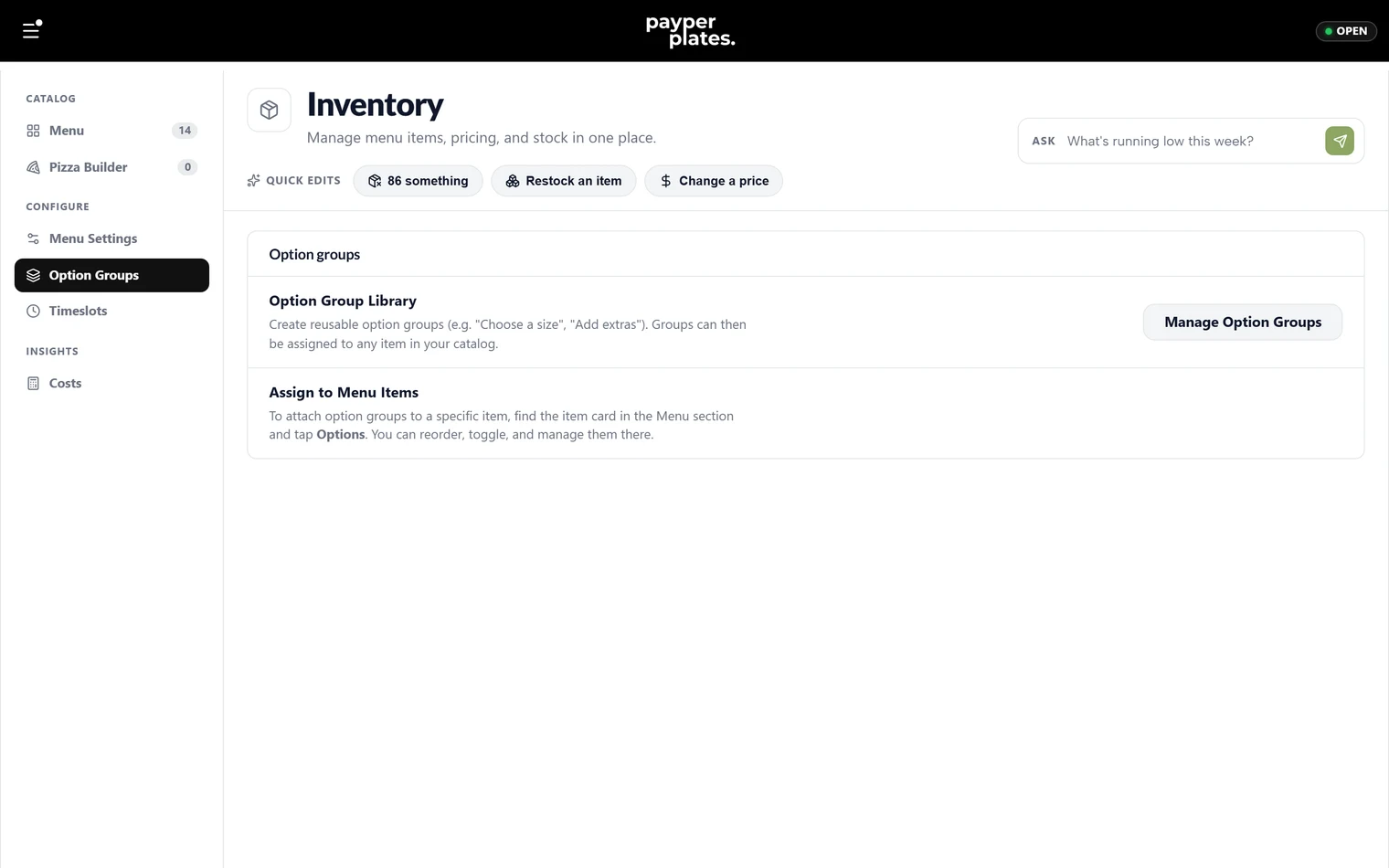
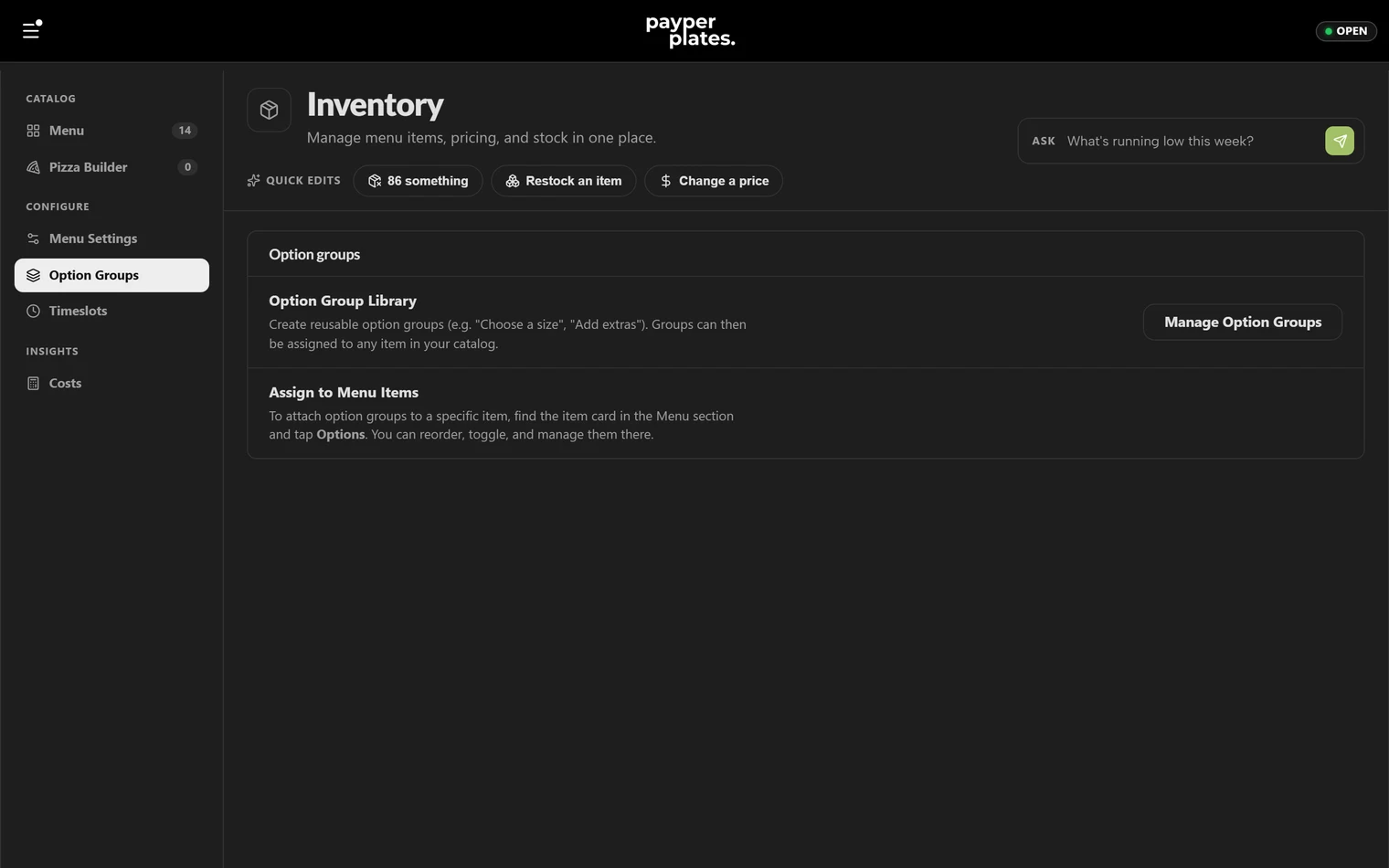
Option groups are how customers customize an item — choosing a protein, adding toppings, picking a side, saying how spicy. You build and attach them in Inventory, in the Option Groups section.
What an option group is
An option group is a set of choices with a title, attached to one or more items. Each choice can add to the price. A group has a type that controls how customers pick:
- Single choice — the customer picks exactly one (for example, "Choose your bun").
- Multiple choice — the customer can pick several (for example, "Add toppings").
- Quantity — the customer can choose how many of a choice (for example, "Extra shots: 0–3").
- Size · Price — a special group where the choice sets the item's price. Covered separately in Sizes and pricing.
Required and optional groups
Each group can be required or optional, and you can set how many choices a customer must and may make:
- Make a group required when the customer has to choose before ordering — a base flavor, a bun.
- Set a minimum and maximum number of selections to control the rest. For example, "pick 2 to 4 sides", or "up to 5 toppings".
If you set a minimum above zero, the customer cannot add the item to their cart until they satisfy it.
Pricing the choices
Each choice can carry its own added price. A topping might add a dollar; a premium protein might add more. The added amounts stack on top of the item's base price as the customer builds their order, and the total is shown before they add it to the cart.
Reusing groups across items
Many groups apply to more than one item — the same set of toppings across every pizza, the same drink sizes across every combo. PayperPlates lets you build a group once and attach it to many items, so a change in one place updates everywhere it is used. When you need a one-off variation for a single item, you can adapt that item's copy without affecting the shared group.
Start from a preset
You don't have to build common groups from scratch. The Option Groups section, and the options pane on any menu item, include a gallery of ready-made groups such as sides, sauces, drink sizes and "make it a combo". Search or filter the gallery, pick one, and it's added with its choices filled in. Adjust the names and prices to match your menu.
Attaching and ordering groups
Attach a group to an item from the item's options, and detach it when it no longer applies. The order of groups on an item controls the order the customer sees them at checkout, so put the most important choice — size, base — first.
A quick check
After setting up options, order the item from your own storefront and walk through every group. Confirm the required choices block checkout until answered, the prices add up correctly, and the choices read clearly.