

Payment options
How customers pay at checkout, which cards you accept, and the tax, minimum order, and tip settings that apply to every order.
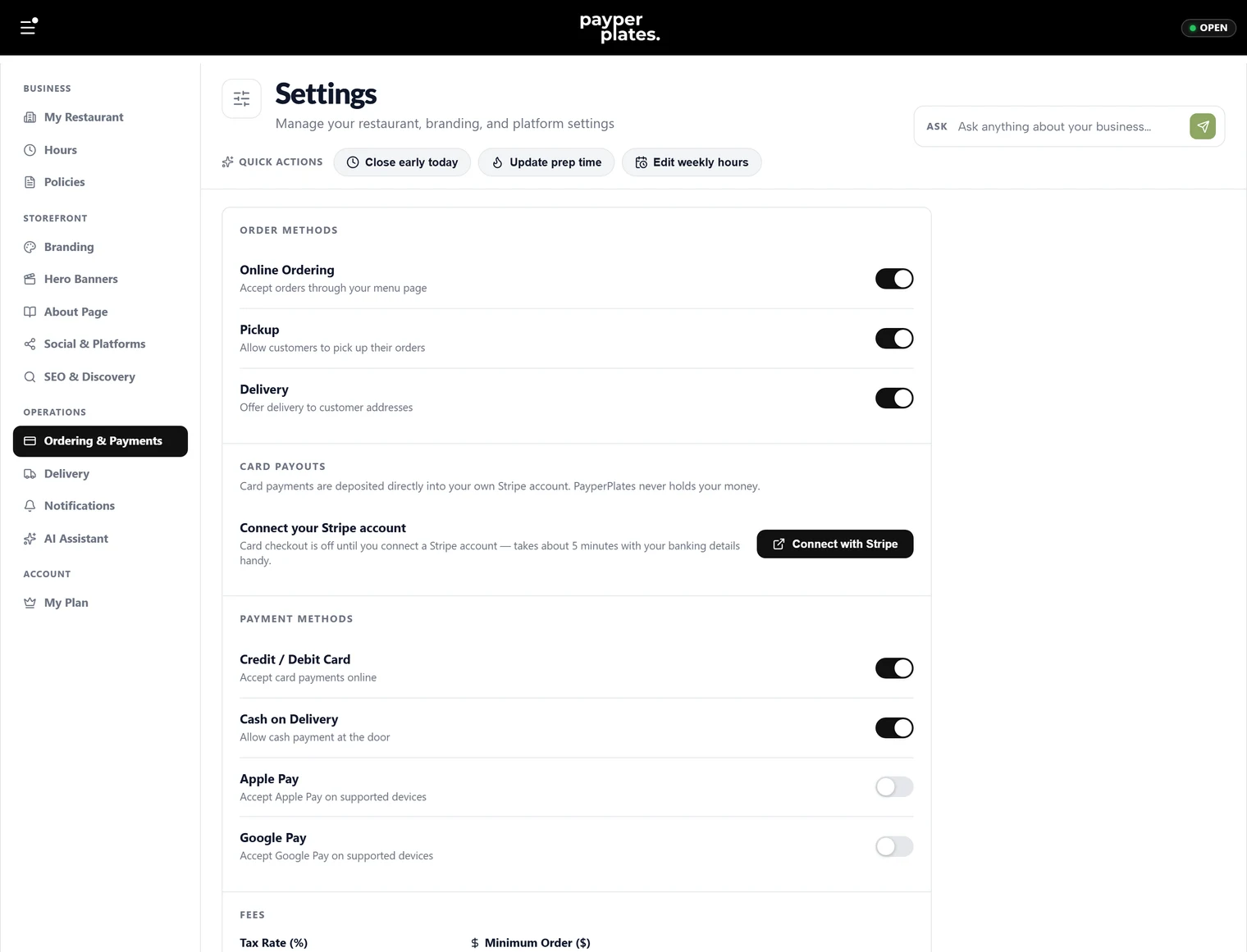
Customers pay by card when they check out. Everything on this page is set under Settings → Ordering & Payments.
How customers pay
Online checkout takes card payments through Stripe. The money goes into your own Stripe account, and PayperPlates never holds it. Before you can take payments, connect your Stripe account. See Card payments and payouts.
Apple Pay and Google Pay show up automatically when a customer's device and browser support them. There is no separate switch to turn them on.
Cash and e-transfer are not offered at checkout. Every online order is paid by card when it is placed.
Order methods
At the top of the page, choose how customers can order:
- Online Ordering: accept orders through your menu page at all.
- Pickup: let customers pick up their orders.
- Delivery: let customers order to their address. See Delivery and drivers.
For pickup and delivery you can also stop taking new orders a set number of minutes before you close, so the kitchen isn't handed a ticket at closing time.
Which cards you accept
Under Card payments:
- Card checkout (Stripe): turns online card payments on once your Stripe setup is complete. Turning it off stops checkout but doesn't disconnect your Stripe account.
- American Express: off by default. Turn it on to accept Amex.
- International cards: off by default. Turn it on to accept cards issued outside Canada.
Amex and international cards cost more to process than Canadian Visa and Mastercard. Your all-in rate covers Canadian Visa and Mastercard. If you accept Amex or international cards, the extra processing cost on those orders is yours.
Checkout settings
These apply to every order:
- Tax Rate (%): the tax added at checkout, for example 13.
- Minimum Order ($): the smallest order you'll accept. Leave it blank for no minimum.
- Tip options: the tip percentages offered at checkout. Tips go to you.
Save with Save Ordering, then place a test order to check the totals look right.
Who can refund
Below these settings, Refund permissions controls which roles can refund a card order. See Refunds and cancellations.