
Deals and coupons
Create discount codes and promotions to bring customers in and lift order sizes.
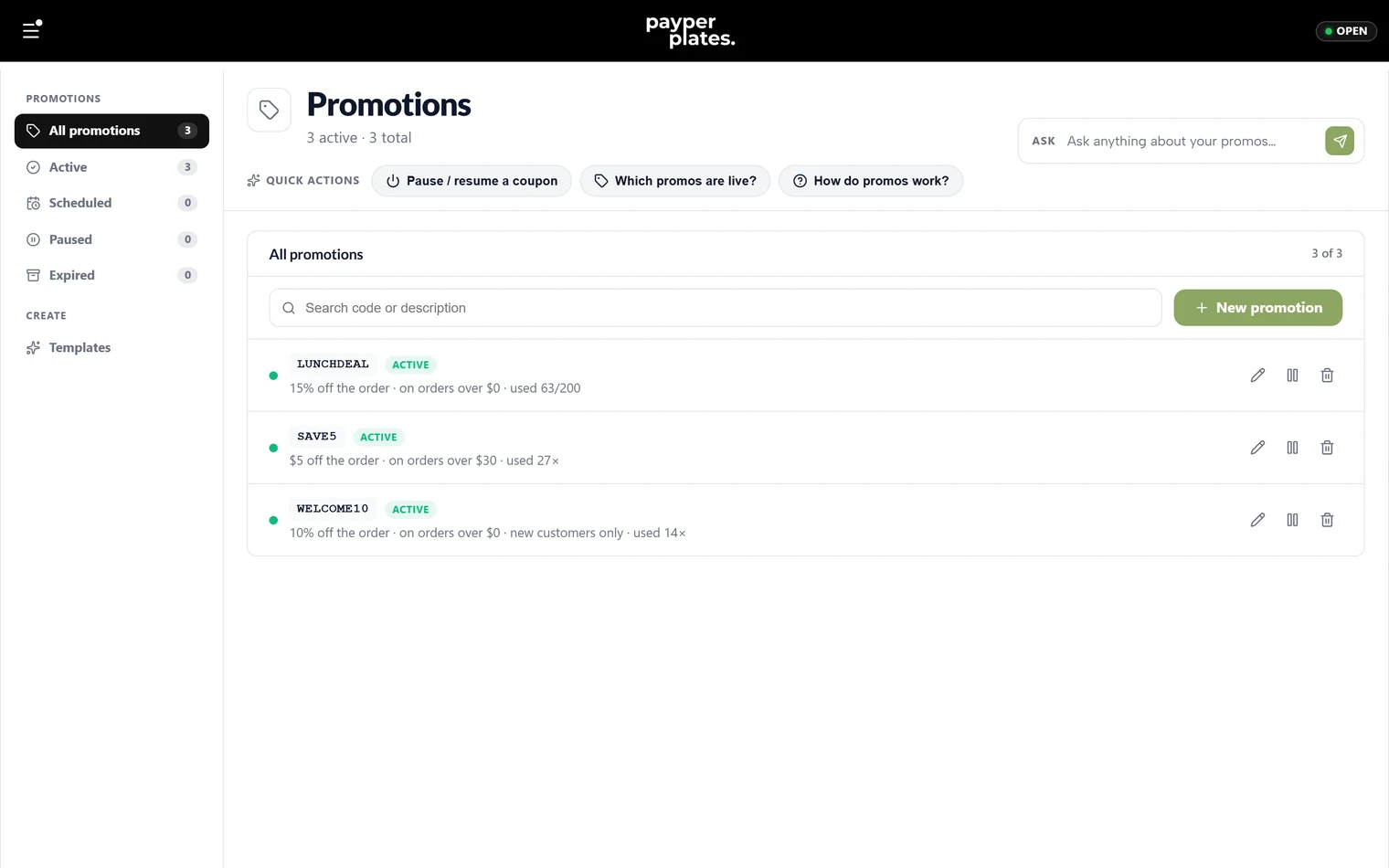
Promotions are discount codes customers enter at checkout. You create and manage them under Promos in your admin dashboard. This guide covers the kinds of promotions you can offer and how to run them.
Create a promotion
Add a promotion, give it a code (the text customers type at checkout, like WELCOME10), and choose what it does. To get started quickly, you can begin from a template and adjust it.
Types of promotion
You can offer:
- % off the order — a percentage off the whole order.
- $ off the order — a fixed amount off the whole order.
- Free delivery — waive the delivery fee.
- $ off delivery — a fixed amount off the delivery fee.
- % off a menu item — a percentage off one specific item.
- $ off a menu item — a fixed amount off one specific item.
- Free menu item — a specific item free.
For the item-specific types, you pick which menu item the promotion applies to.
How customers use a code
Customers enter the code at checkout, and the discount is applied to their total automatically. Only active promotions work, so a customer cannot use one you have paused or that has expired.
Turn promotions on and off
Each promotion can be active or paused. Pause a promotion to stop it working without deleting it — useful for a code you run again seasonally. Activating an expired promotion does nothing on its own, so update its dates if you want to run it again.
Keep your list tidy
Search your promotions by code or description to find one quickly. Remove promotions you will never run again; pause the ones you reuse. A short, current list is easier to manage during a busy week.