

Stock and 86ing
Take an item or ingredient off the menu when you run out, and bring it back when you restock.
"86ing" is restaurant shorthand for taking something off the menu because you have run out. On PayperPlates this is a quick, reversible action — never delete an item just because you are out of it tonight.
Mark an item out of stock
When you sell out of something, mark it out of stock. It stops appearing as orderable on your storefront right away, so customers cannot order what you cannot make. The item and all its setup stay exactly as they were — you are only hiding it, not removing it.
The fastest way to do this mid-shift is the Out of something quick action at the top of the page. Pick the item, confirm, and it is off the menu.
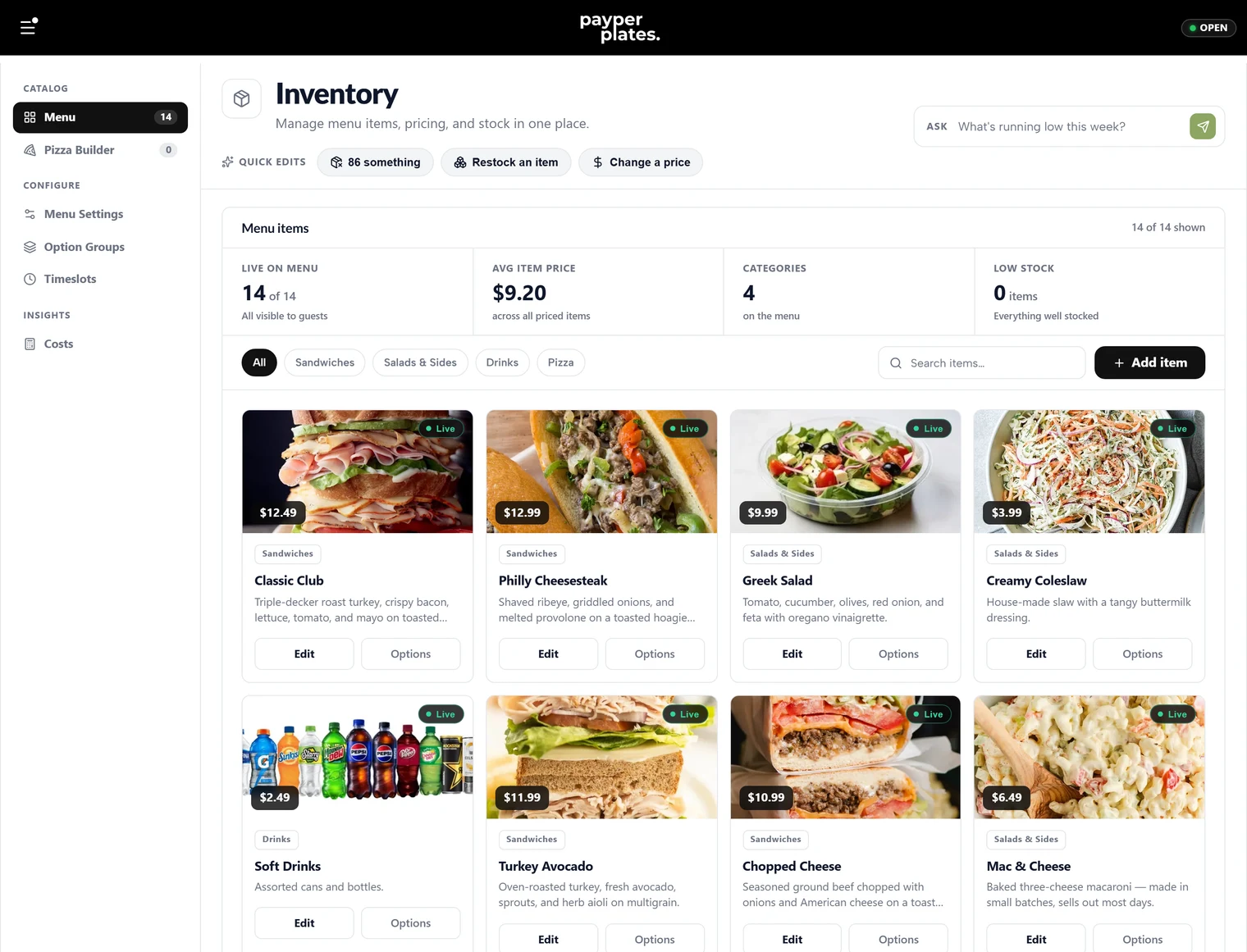
86 an ingredient across the menu
Sometimes you are not out of a dish — you are out of an ingredient that appears in many dishes. Instead of hunting down every affected item, you can take the ingredient itself out, and it is pulled from every option group and item that uses it at once. When the ingredient is a choice inside your option groups, this saves you from editing each item by hand.
Bring it back
Out-of-stock is meant to be temporary. When you restock, use the Restock quick action (or clear the out-of-stock mark on the item) to put it back on the menu. Everything returns exactly as it was.
Some out-of-stock marks are set to clear on their own at the end of the day, so an item you 86'd tonight is back tomorrow without you having to remember. If you want something gone for longer, set the item not live instead.
Out of stock versus not live versus deleted
Three different tools for three different needs:
- Out of stock — temporary; you are sold out but will have it again soon. Reversible in one tap.
- Not live — longer-term; the item exists but you are not selling it right now (a seasonal item between seasons).
- Deleted — permanent; you no longer sell this at all. Cannot be undone.
For anything you expect to sell again, use out of stock or not live — never delete.
Ask the assistant
You can also just tell the assistant "we're out of wings tonight" and confirm. See Merchant assistant.