

Hero banners
Set up the rotating banners at the top of your storefront to promote deals and highlights.
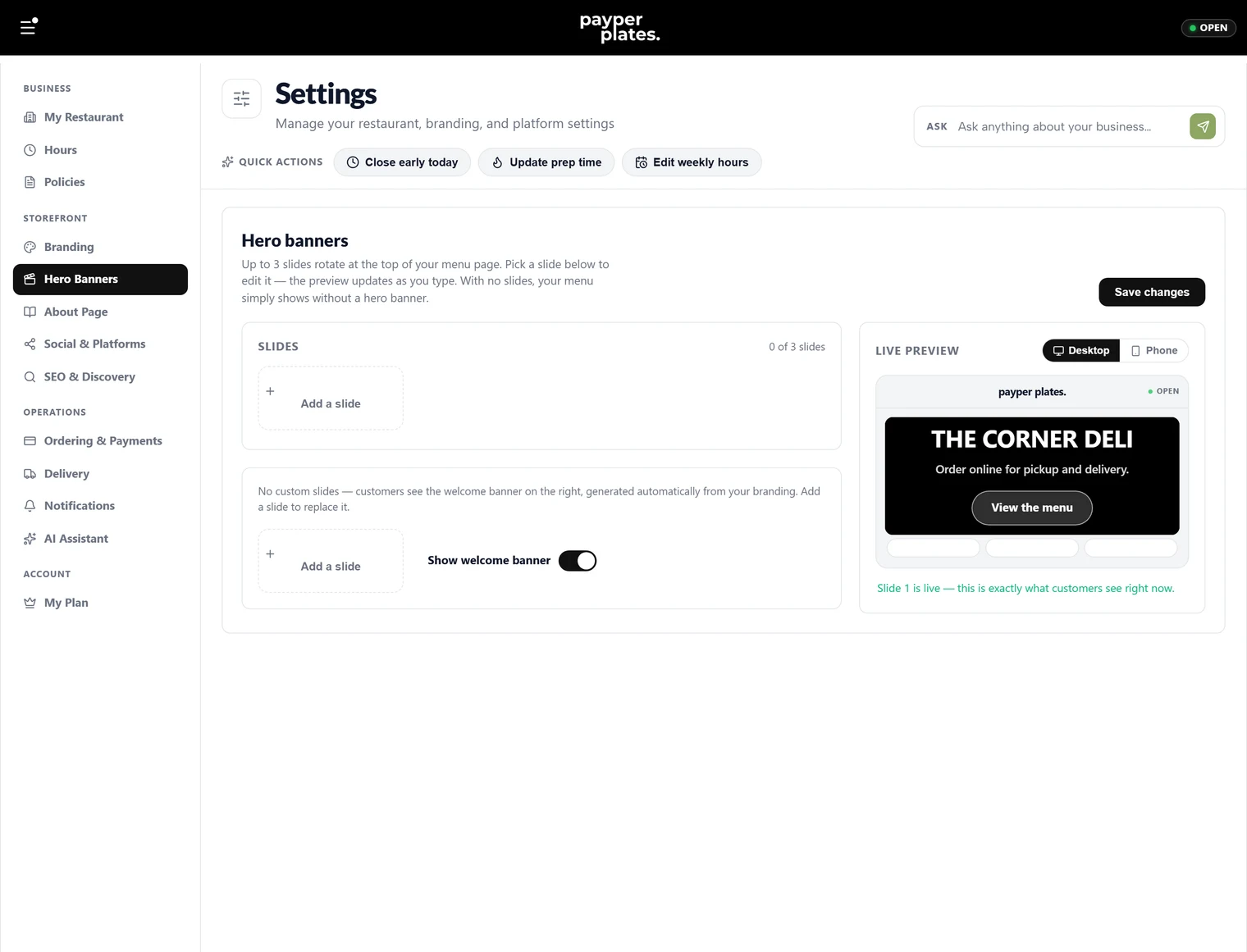
Hero banners are the large panels at the top of your storefront — the first thing a customer sees. Use them to promote a deal, announce that you are open, or point to something you want customers to notice. You set them up under Settings → Hero Banners.
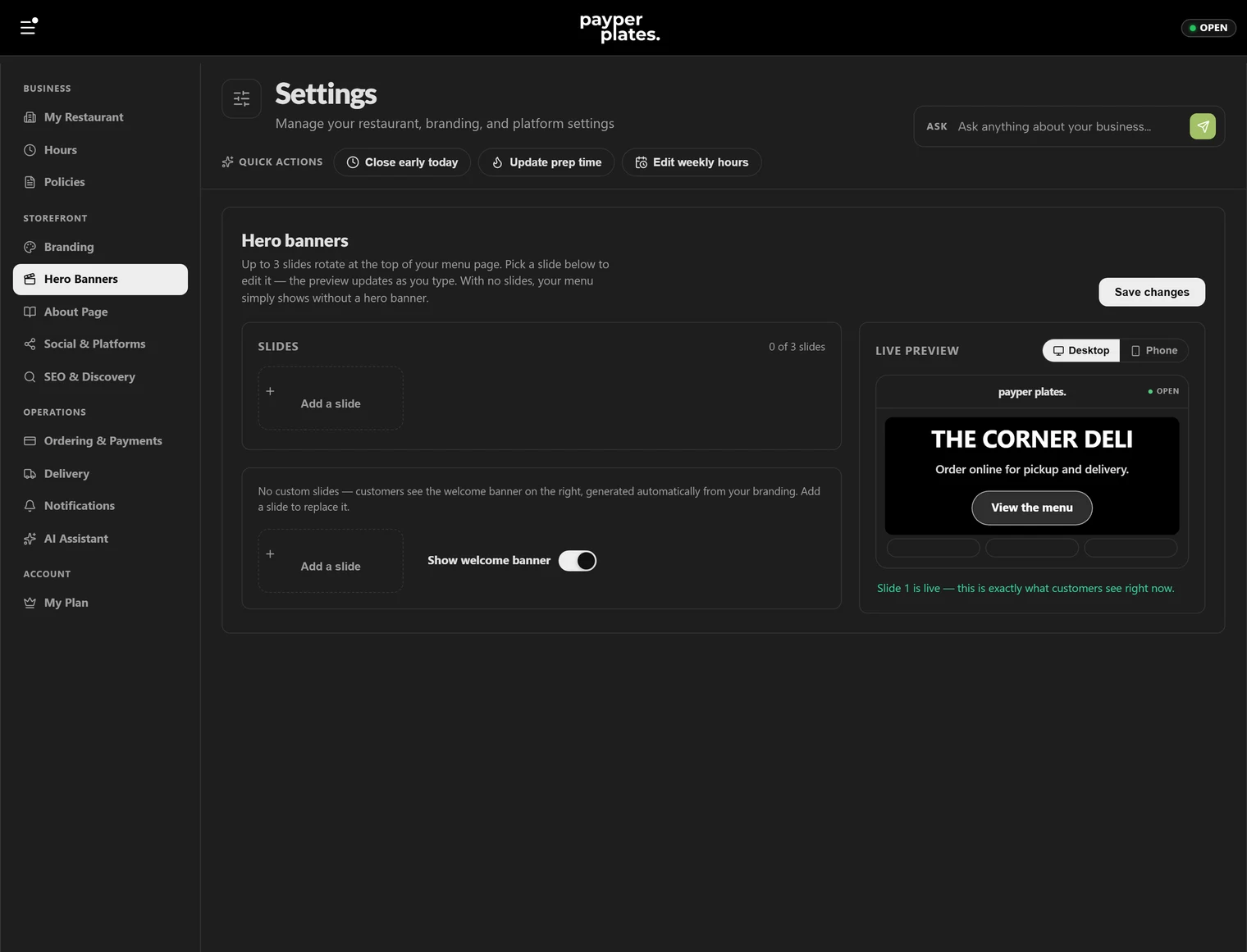
Add a slide
You can show one banner or several that rotate as a carousel. Add a slide for each message you want to feature. For each slide you can set:
- Headline — the main line, like "Buy 2 Subs, Get a Free Drink".
- Badge — a small tag over the slide, like "Now Open" or "This Week Only".
- Subtext — a supporting line, like "Fresh ingredients · Made to order".
- Button — an optional call-to-action button with your own label, like "Order Now".
- Colors — a background blend so the slide fits your brand and keeps the text readable.
Order your slides
When you have more than one slide, they rotate in the order you set. Move slides earlier or later to control which message a customer sees first. Lead with your strongest offer.
Keep text readable
The headline and subtext sit on top of the slide's background. Use the preview to check that your text stands out against the colors you chose, and keep headlines short so they are not cut off on a phone.
When to update
Refresh your banners whenever what you are promoting changes — a new special, a holiday, a seasonal menu. An out-of-date banner (a deal that has ended) is worse than none, so clear or swap slides as offers change.