

Pizza builder
Set up your sizes, crusts, sauces, cheeses and toppings once, then offer signature pizzas and build-your-own with a guided ordering flow.
The pizza builder gives pizzas their own workspace instead of a stack of option groups. You set up your pizza options once. Every pizza on your menu is then built from them, and customers order through a guided flow: size, crust, sauce, cheese, then toppings, including half-and-half.
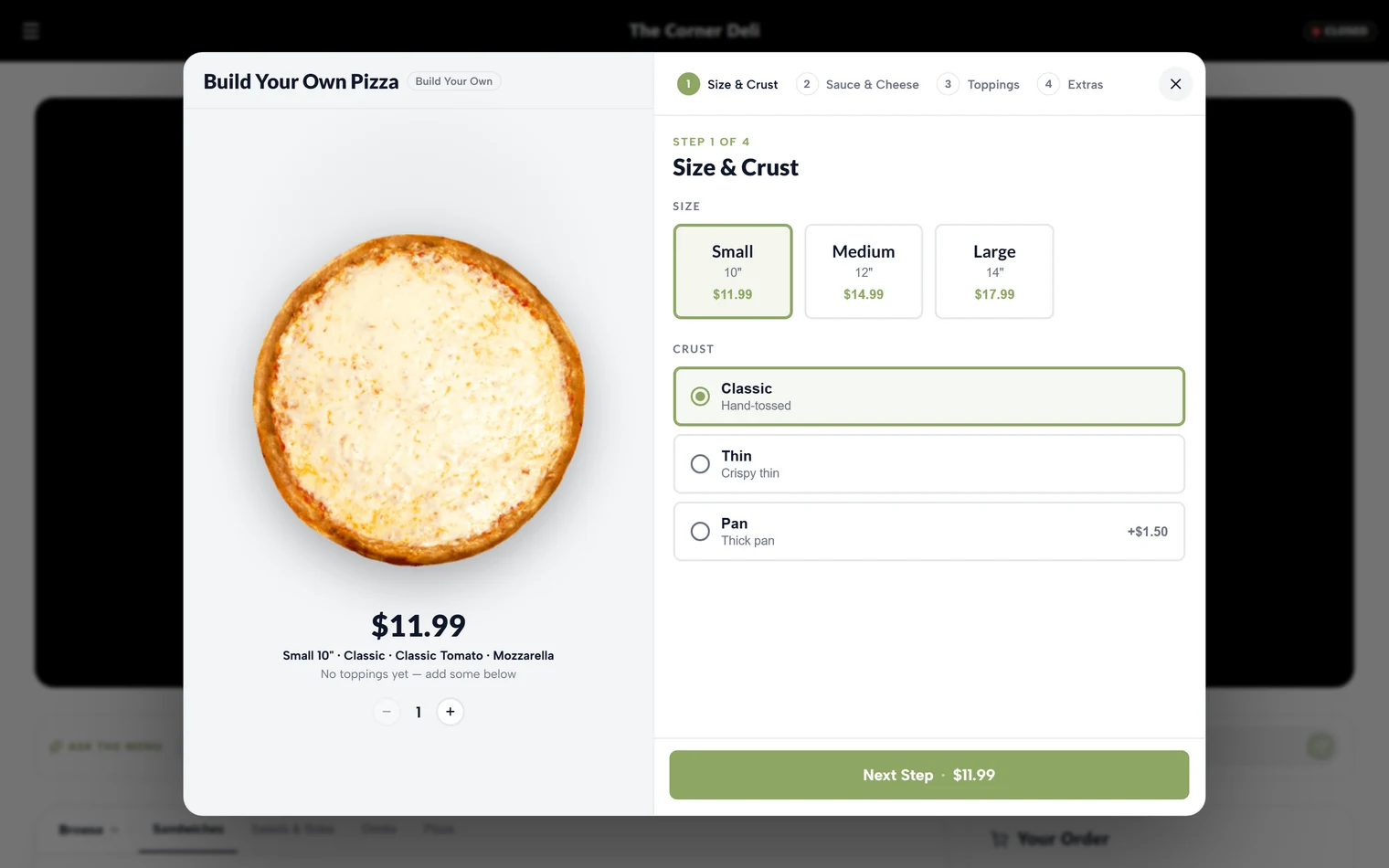
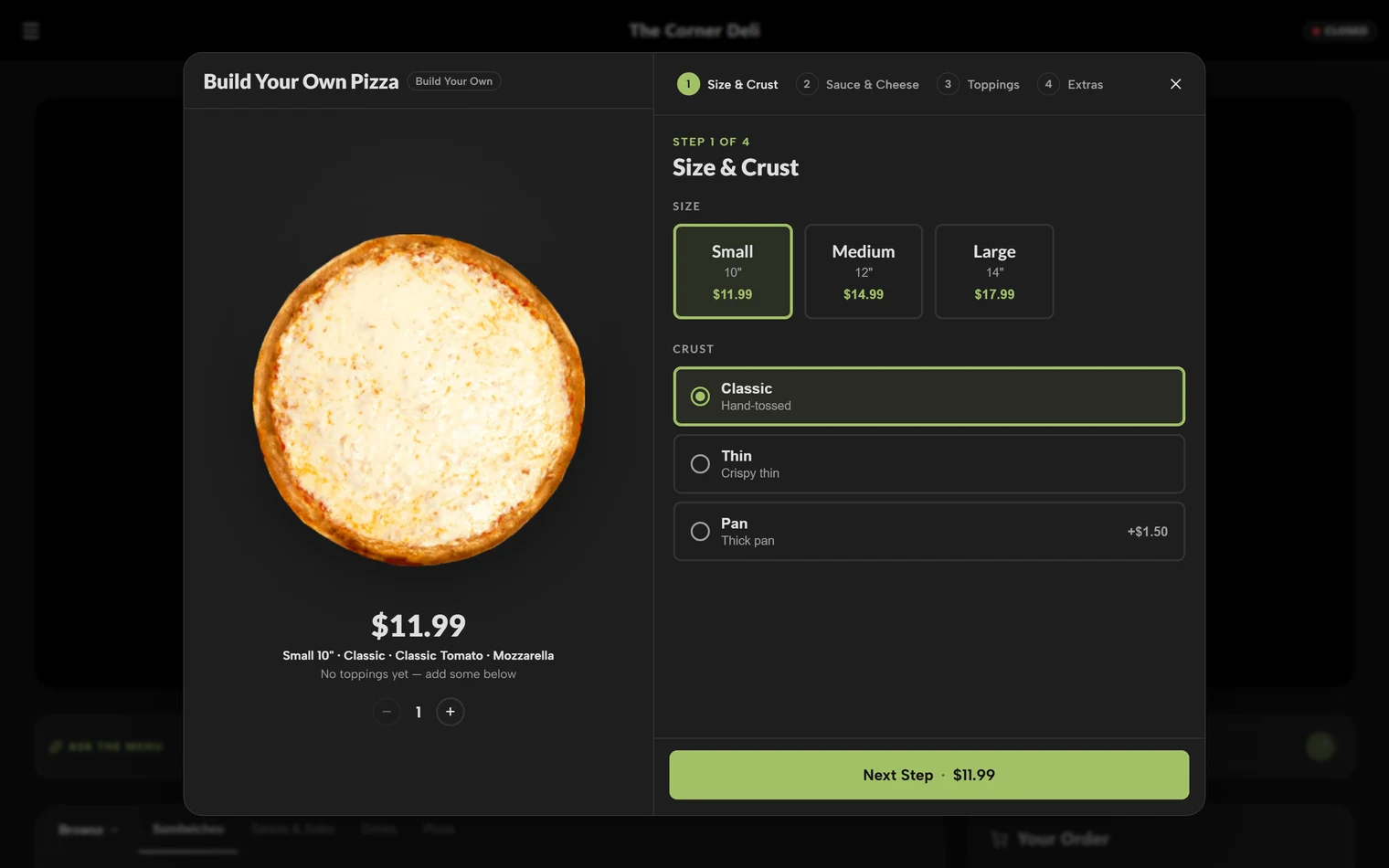
Open Inventory → Pizza Builder.
Step 1: Your pizza options
Pizza builder options is the shared catalog every pizza is built from. Fill in each section:
- Sizes: each size with its base price, for example 10", 12" and 16".
- Crusts: thin, hand-tossed, gluten-free, and so on.
- Sauces: the sauces a customer can choose.
- Cheese: your cheese types, with levels customers can pick: None, Light, Normal or Extra.
- Topping groups: each group shows as its own tab in the builder, for example Meats and Veggies.
- Toppings: each topping in its group, with its price. Mark the pricier ones Premium.
- Extras: add-ons that aren't toppings.
Change something here and every pizza that uses it follows.
Step 2: Your pizzas
Add a pizza for each signature pie on your menu, or a build-your-own. Each pizza has:
- Details: name, description, category, image, Live on menu, and Featured to show it in your Featured row.
- Size & pricing: prices follow your global size prices, so only override them for a special. You can also include a number of free toppings at each size.
- Sauce and cheese: the defaults baked into this pizza.
- Toppings: the toppings included on this pizza.
- Build rules:
- Default crust.
- Max additional toppings, which caps how many extras a customer can add.
- Signature deal ($ off), a flat discount that shows customers a deal badge and the original price struck through.
- What guests can change: how much of the pizza a customer can customize.
A new pizza stays a draft until you add it. Once it's live, it appears on your menu with the guided builder.
Check it like a customer
Open your storefront and build a pizza from start to finish. Try a half-and-half order and confirm the price adds up the way you expect.