
Going-live checklist
What to finish before PayperPlates takes your restaurant live, and how to test your storefront first.
While your restaurant is being set up, your dashboard shows a Finish setting up card listing what is still yours to do. When it's done, PayperPlates runs a final launch check and takes your storefront live. Until then your storefront is hidden from search engines.
Work through the list below. The items marked required block going live.
Your business details
- Name, phone and address are filled in under Settings → My Restaurant. Required.
- Tax rate and timezone are set. You set the tax rate under Settings → Ordering & Payments; PayperPlates sets your timezone during setup. Ask support if it's wrong. Required.
- Order alerts go somewhere: an email or phone for new-order notifications under Settings → My Restaurant → Order alerts. Required.
Hours
- Weekly hours are set, with at least one open day. Days you're closed are marked closed. Required. See Hours.
- Any upcoming holidays or one-off closures are added as special hours.
Menu
- Your menu has items, each priced and set live. Required.
- Sizes and option groups are set up where items need them.
- Items have photos. This one isn't required, but photos noticeably lift orders.
Payments
- Stripe is connected and able to take cards. Required. See Card payments and payouts.
- Your tax rate, minimum order, and tip options are right. See Payment options.
Pickup and delivery
- Pickup, delivery or both is turned on under Settings → Ordering & Payments. Required.
- Your restaurant's location is on the map under Settings → Delivery → Delivery origin. Required.
- If you deliver with your own drivers, your delivery area and fee are set. Required. See Delivery and drivers.
Your plan
- A billing card is on file under Settings → My Plan. Your monthly plan fee is charged to it. Required. See Your plan and billing.
Branding
- Your logo and colors are set so the storefront looks like your restaurant. See Branding.
Place a test order, then refund it
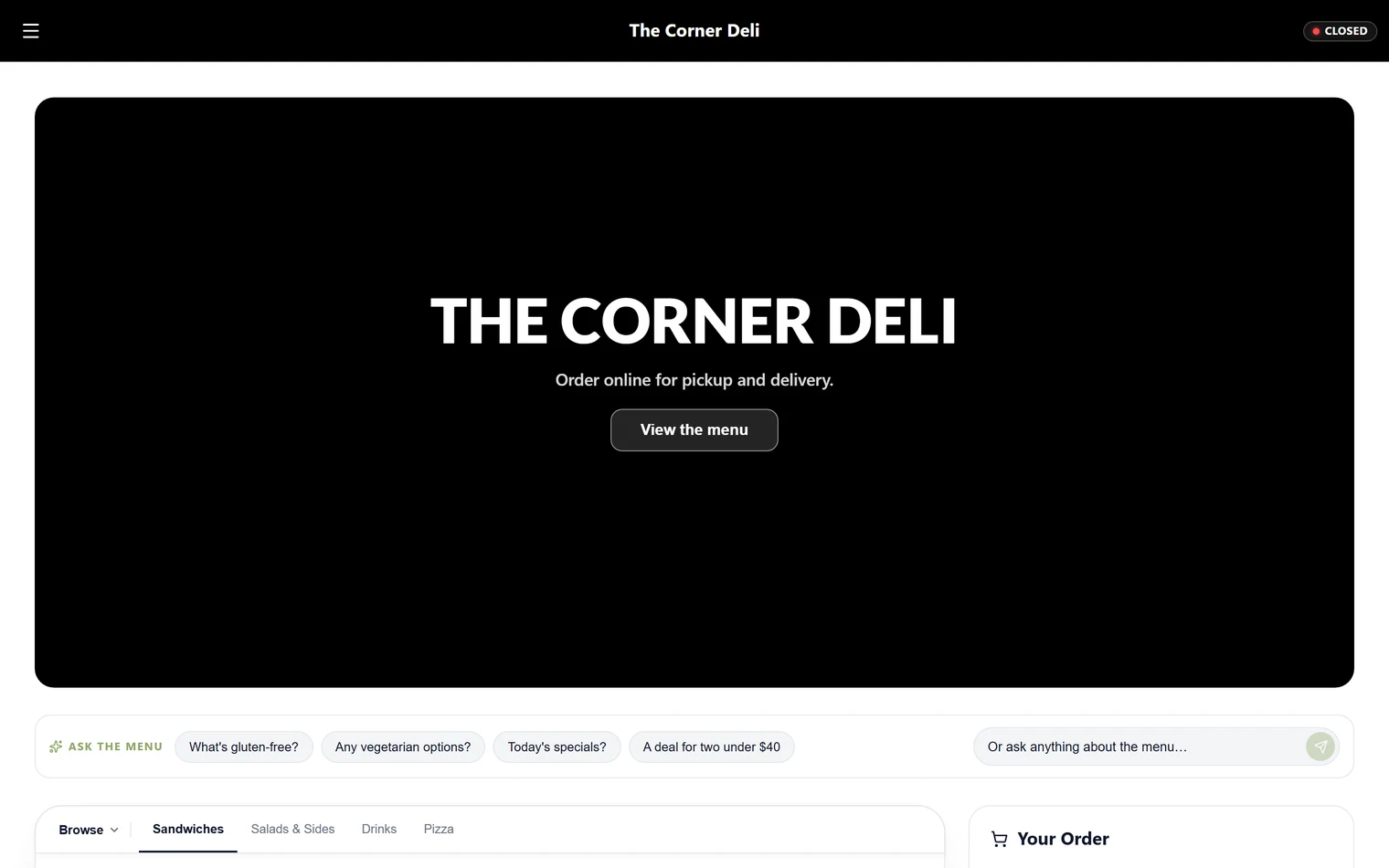
Order from your own storefront the way a customer would. Add items, check out with a real card, and confirm the order reaches your Orders board and your order alerts arrive. Then refund the test order so the charge goes back to your card.
Once your checklist is clear, PayperPlates runs the launch check and lets you know when you're live.