

Delivery and drivers
Turn on delivery, set your delivery area, fees and zones, run your own drivers from the Driver Hub, or send orders to a courier network.
If you deliver, PayperPlates handles the whole delivery side of an order: the address at checkout, the price, the dispatch, and the customer's tracking. You can deliver with your own drivers, hand orders to a courier network such as Uber Direct, or both.
Turn on delivery
Delivery is one of your order methods under Settings → Ordering & Payments. Turn on Delivery to let customers choose it at checkout. You can offer pickup, delivery or both.
Your delivery area and fees
Under Settings → Delivery:
- Delivery origin: where deliveries start from, normally your restaurant. It comes from your street address on My Restaurant. Use Check this pin on a map to make sure it's in the right place.
- Fees: your delivery fee, and an optional order total above which delivery is free.
- Timing & range: your prep time, estimated delivery time, and Delivery Radius (km).
Delivery zones
Zones let you charge by distance or by area instead of one flat fee:
- Radius zones: rings around your restaurant, each with its own name, distance and fee, so nearer customers pay less. The largest active ring sets how far you'll go.
- Custom boundaries: where available, draw your own area or import a municipality's boundary. It's useful when a river or highway makes distance misleading. When zones overlap, the first matching zone in the list wins, so put smaller, more specific zones above larger ones.
With no zones, your flat fee and radius apply. If you turn every zone off, delivery closes.
Customers whose address is outside your area are told delivery isn't available, so you never take an order you can't deliver.
Which service prices delivery at checkout
In the Driver Hub, Checkout delivery service chooses who supplies the delivery price a customer sees: your own fleet or a connected courier network. If the service you choose is unavailable, checkout stops offering delivery rather than quietly switching to another service.
The Driver Hub
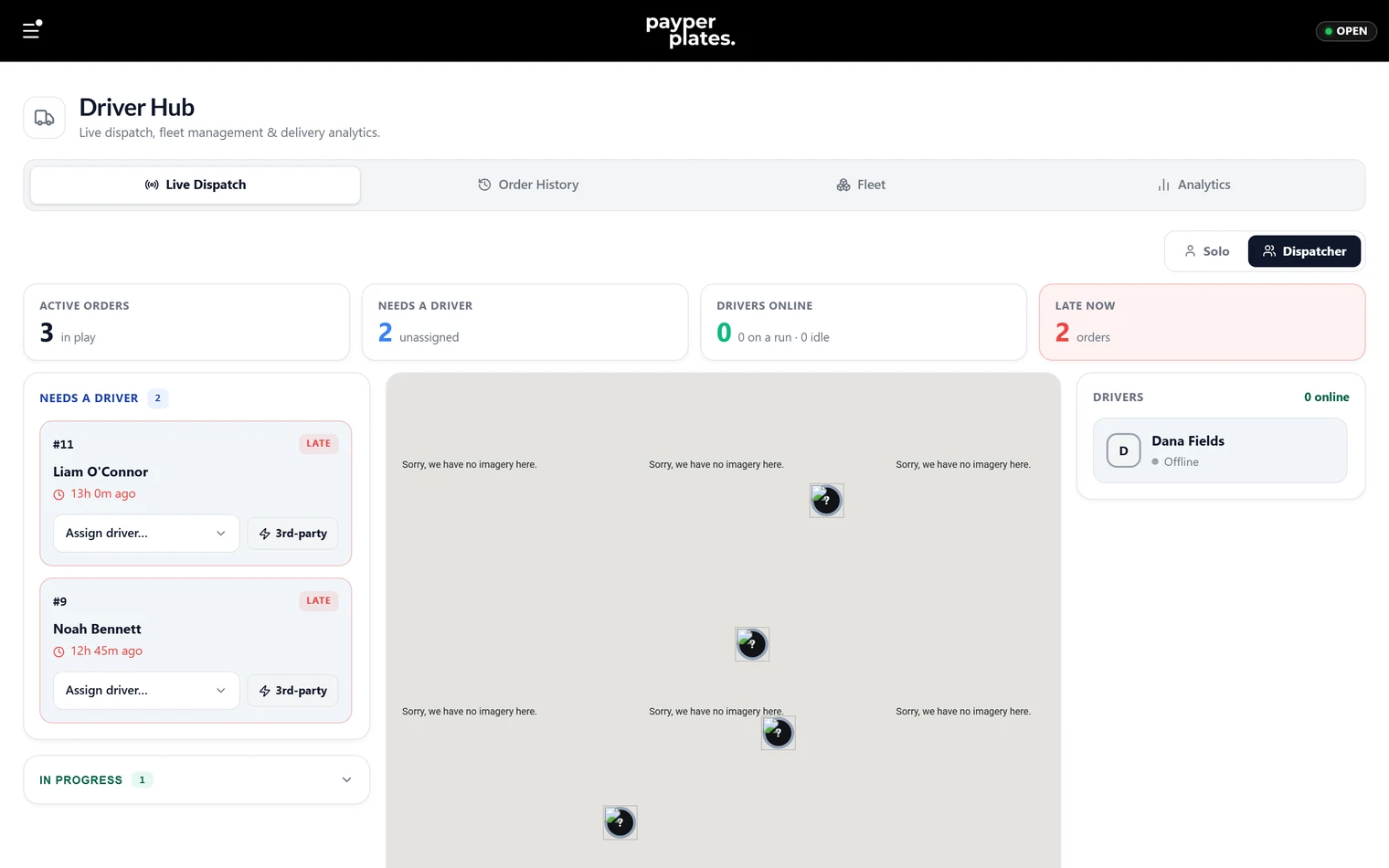
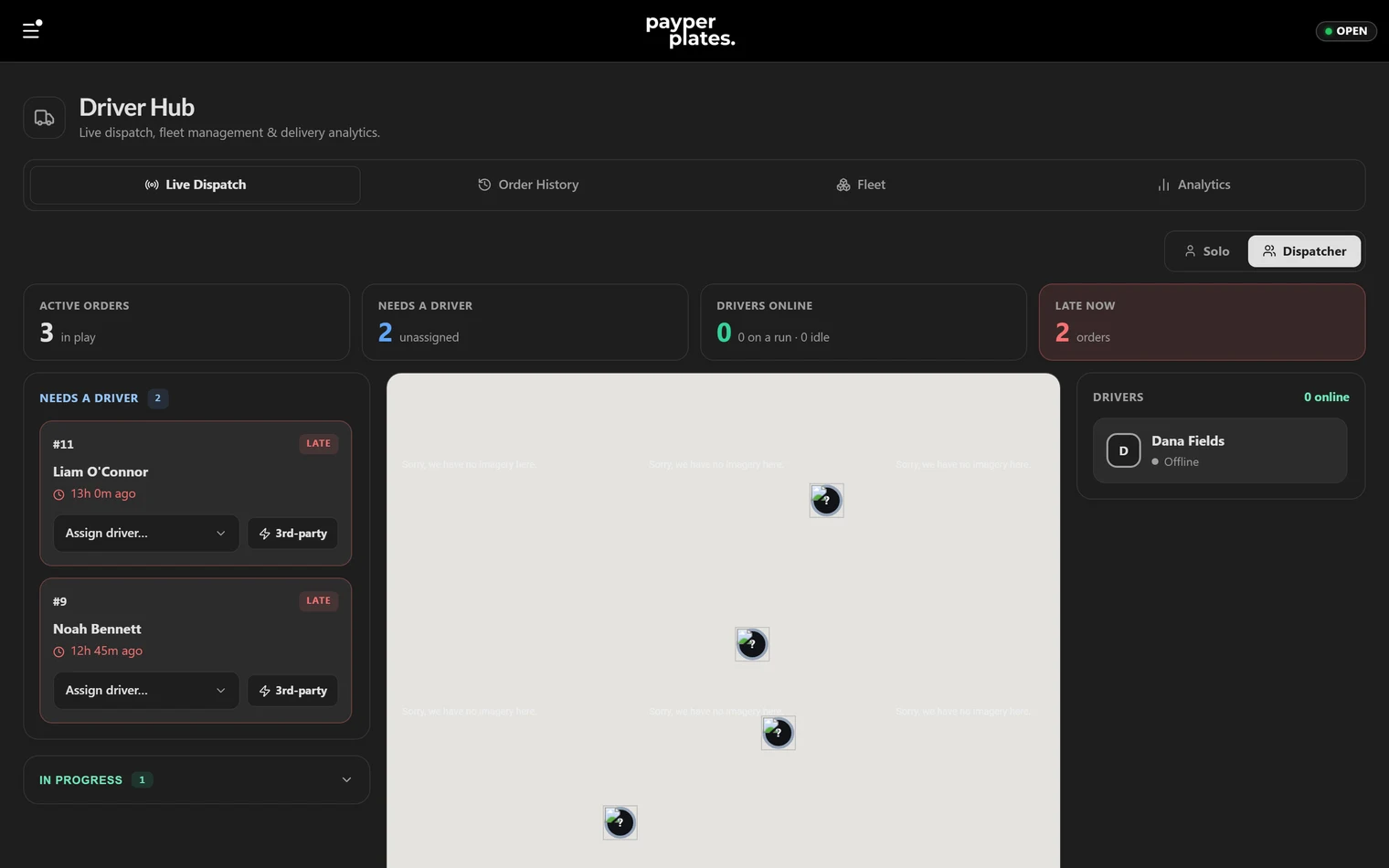
Drivers in your admin menu opens the Driver Hub, where delivery orders are dispatched and tracked:
- Dispatch → Live board: delivery orders waiting for a driver, plus those on the road with your drivers' live locations.
- Dispatch → Order history: past deliveries.
- Fleet → Drivers: your in-house drivers.
- Fleet → Pay & schedule: how and when your drivers are paid.
- Courier networks: connect Uber Direct or DoorDash Drive.
- Insights → Analytics: delivery times and performance.
Your own drivers
The Driver Hub's own-fleet tools are part of the Pro plan.
- Add your drivers under Fleet → Drivers, or give a team member the Driver role from Staff.
- When a delivery is ready, assign it to a driver from the live board. The driver gets the order and the customer's address on their phone.
- The customer can follow the delivery live.
Completed in-house deliveries add up as driver pay. Record and settle it on the Open & Close page.
The driver portal
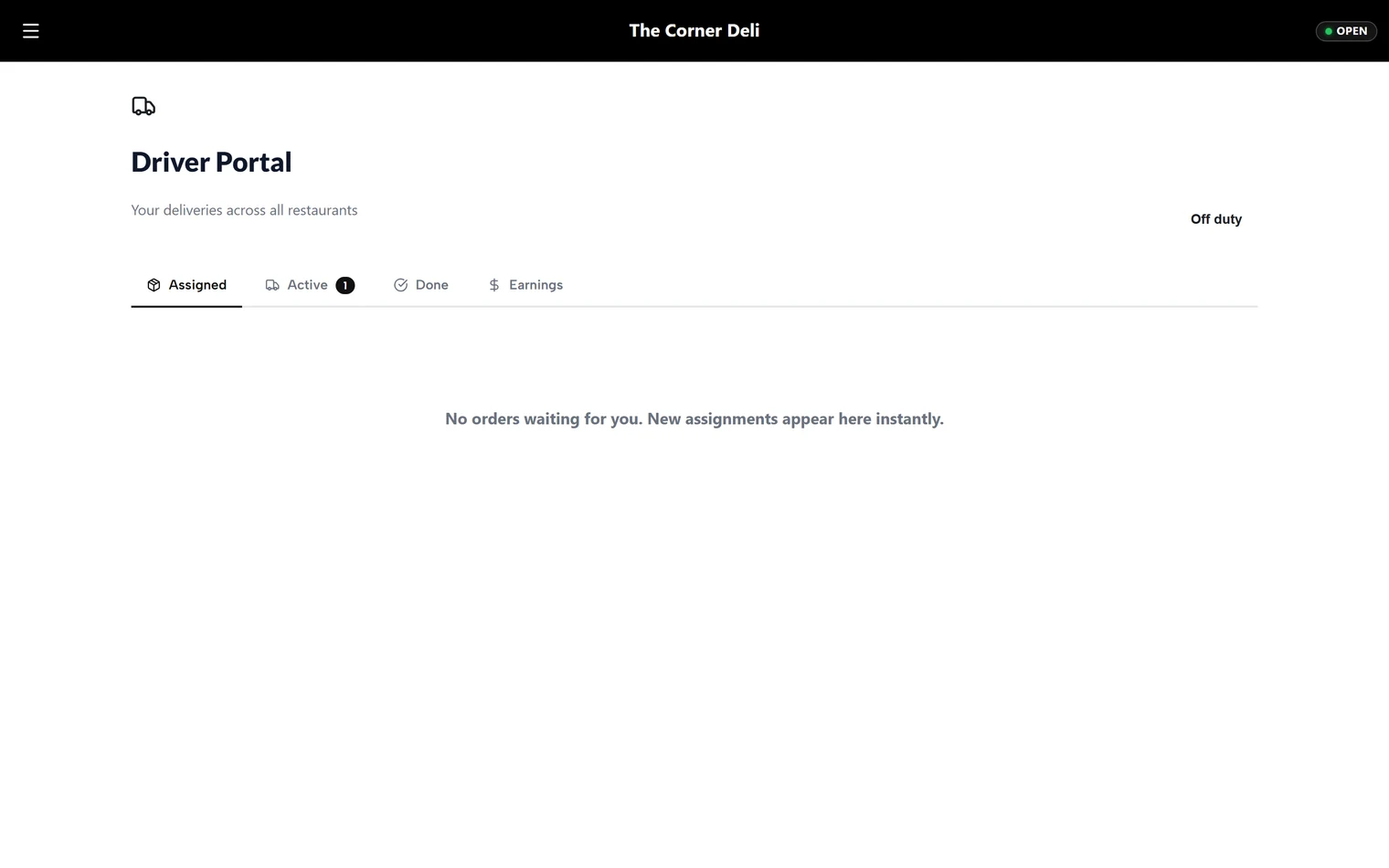
Drivers use a separate, phone-friendly driver portal, not the admin dashboard. In it they see their assigned deliveries, navigate to the customer, and mark each delivery done, with proof of delivery. Adding someone as a driver gives them access to the portal only.
Courier networks
If you don't want to staff drivers, send delivery orders to a courier network from Courier networks in the Driver Hub:
- Uber Direct: an Uber courier picks the order up and delivers it, and the customer gets courier tracking.
- DoorDash Drive: a DoorDash courier delivers the order.
For each network you can Use PayperPlates delivery (our connection) or Connect your own account if you already have one. Courier costs are passed through at cost, with no markup from PayperPlates.
You can mix approaches: run your own drivers and send overflow to a courier on a busy night.