

The order lifecycle
Every stage an order moves through, from placed to completed, and what the customer sees.
Every order moves through a set of stages. Knowing them helps you and your staff keep orders flowing and keeps customers informed at each step.
The stages
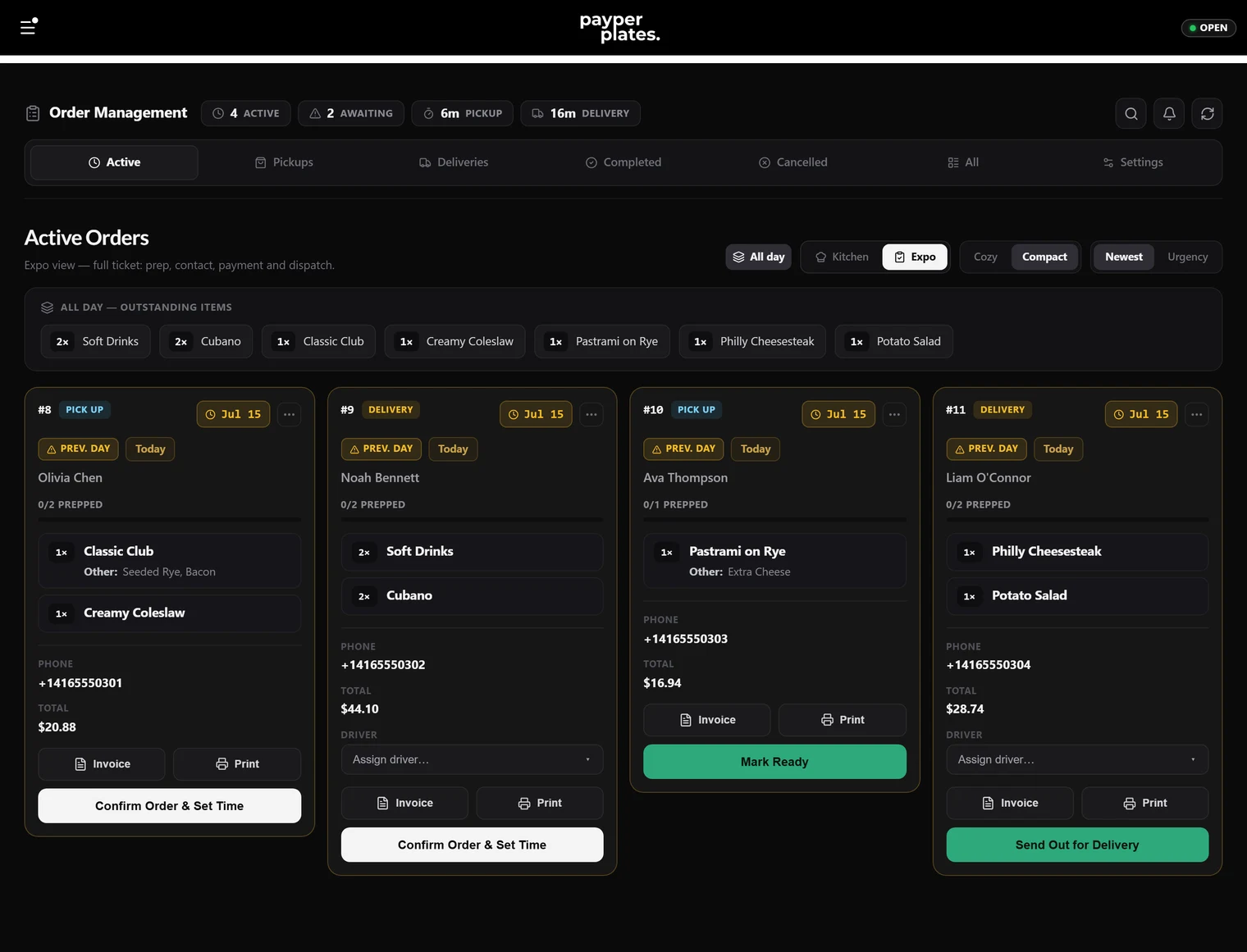
- Pending — a new order has been placed and is waiting for you to accept it. This is where every order starts.
- Confirmed — you have accepted the order and given it a prep estimate (20 minutes by default). The customer now knows their order is in.
- Preparing — the kitchen is actively making the order.
- Ready (pickup) or Out for delivery (delivery) — the food is done. For pickup, it is waiting for the customer. For delivery, it is on its way.
- Completed — the order has been handed off or delivered. It is done.
An order can also be cancelled if something goes wrong. Refunds are separate: a paid order can be refunded in full or in part whatever stage it's at. See Refunds and cancellations.
Pickup versus delivery
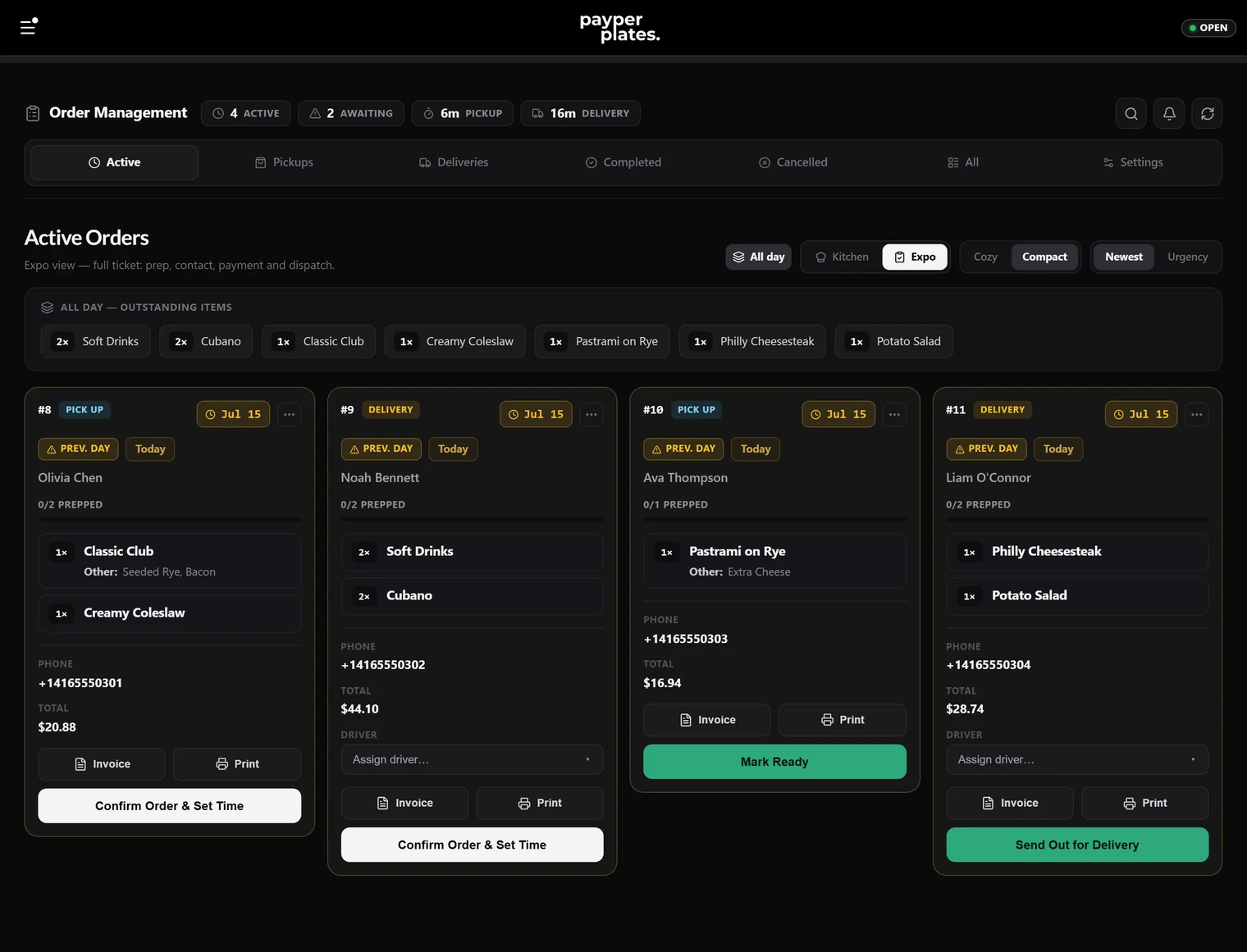
The path is the same until the food is ready. At that point a pickup order becomes Ready and waits for the customer to arrive, while a delivery order becomes Out for delivery and heads to the customer. See Delivery and drivers.
What the customer sees
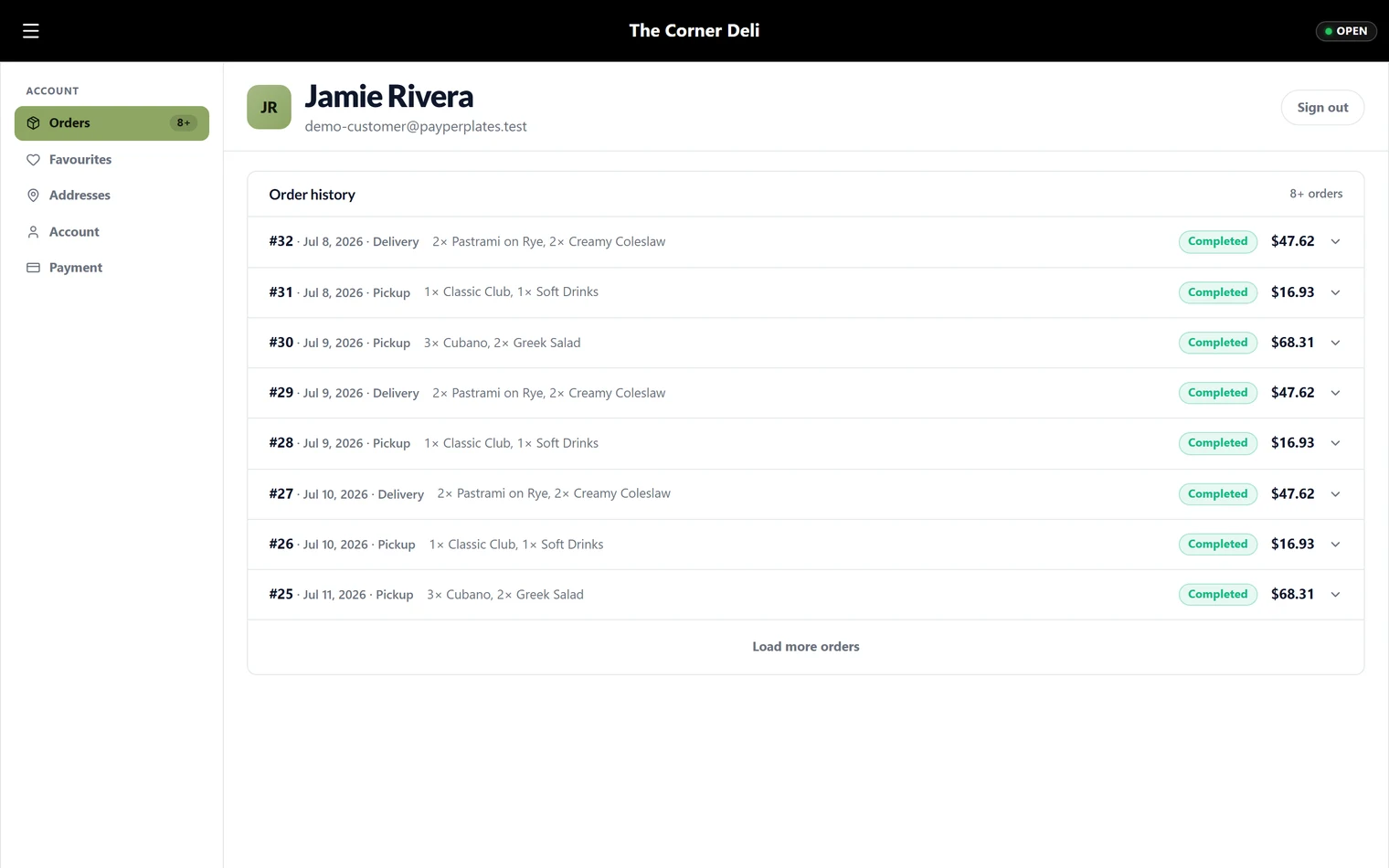
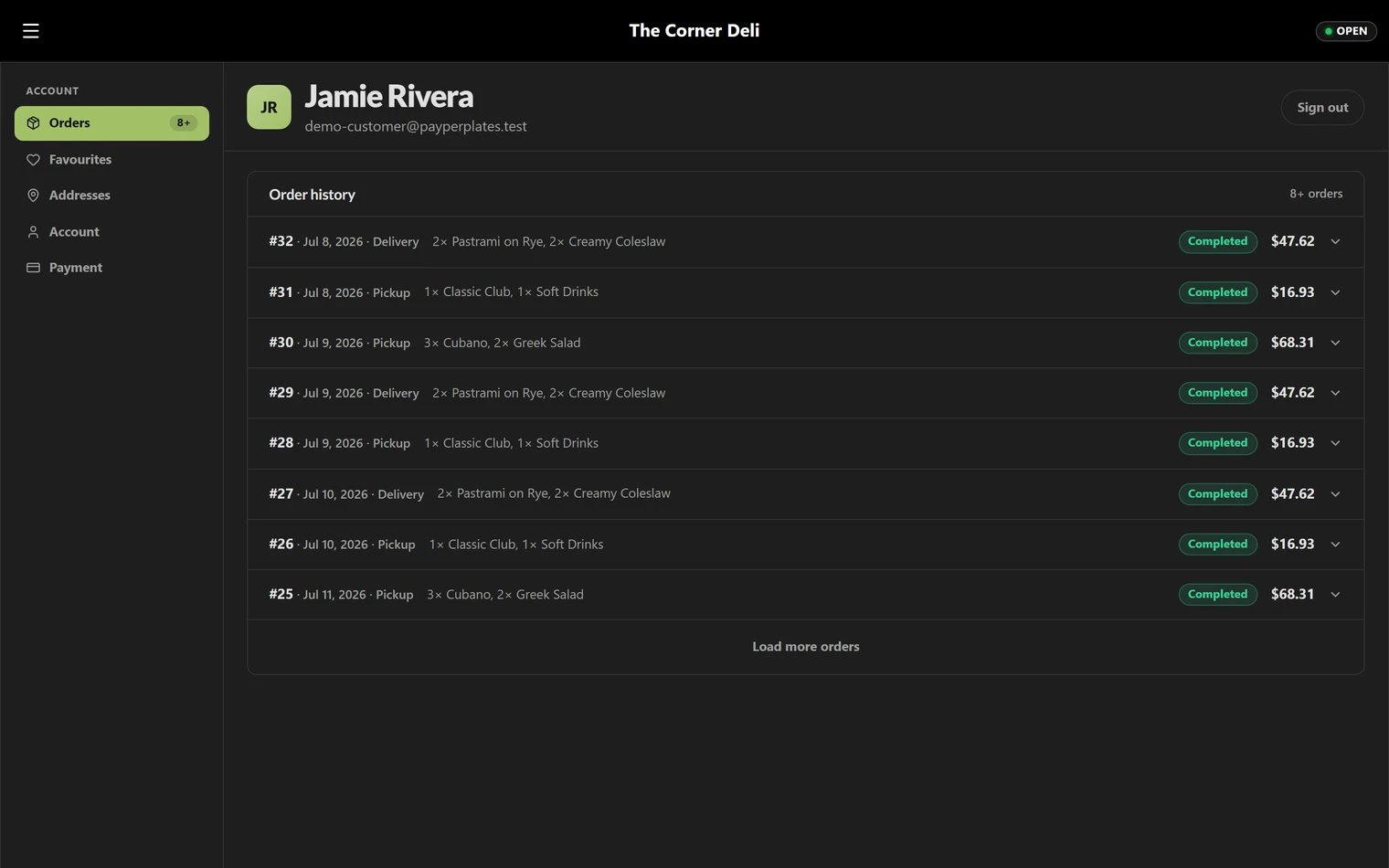
As you move an order forward, the customer is kept in the loop — they can see that their order was confirmed, is being prepared, and is ready or on its way. Prompt status updates cut down on "where's my order?" calls, so advance each order as it actually progresses rather than in a batch at the end.
Where you do this
You manage all of this on the Orders board, built as a kitchen display for busy service. The next guide, Managing orders, walks through the board itself.